Delayed reporting
Hazards are reported at the end of the day instead of when they are found.
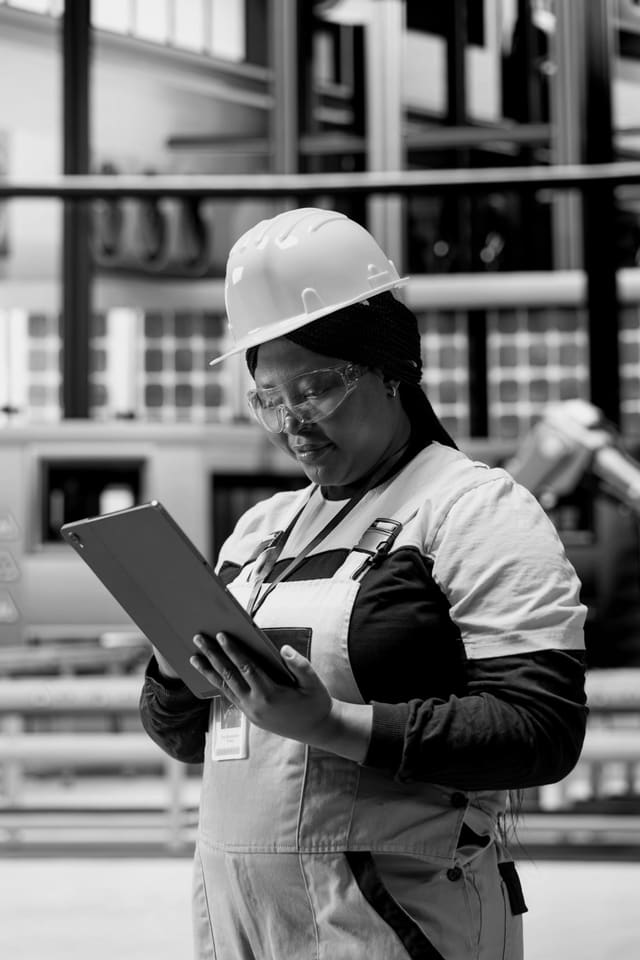
Keep safety teams connected to the operation they are supporting.
Overview
Field safety officers see risks first, but their reports often reach operations hours later. Push-to-talk, location sharing and emergency alerts on one device connect safety teams directly with supervisors and the control room, so hazards are acted on while they still matter.
SHEQ officers and safety representatives walk sites, inspect work areas and stop unsafe work. They usually report by phone, paper or end-of-day email, so operations finds out late. When an officer needs a supervisor urgently, they have to find a number or wait for a callback. When they work alone in remote areas, nobody is watching out for them. Giving safety teams push-to-talk, a hazard reporting app and lone-worker alerts on a rugged phone puts them in direct, recorded contact with the people who can act.
A safety officer at a construction site sees an unsecured excavation next to a pedestrian route. She reports it with a photo in the hazard app and presses push-to-talk to reach the site supervisor and the operations group at once. The supervisor confirms barriers will be placed within 15 minutes, and the action is assigned in the app. Later, while inspecting a remote laydown area alone, the officer's device detects no movement for a set period and prompts her to check in. She confirms, and the control room clears the alert.
The challenge
Hazards are reported at the end of the day instead of when they are found.
Safety officers cannot always get hold of supervisors quickly.
Officers often work alone in remote or high-risk areas.
Reported hazards are not tracked through to a verified fix.
Operational flow
01
Give safety teams rugged phones with push-to-talk and safety apps.
02
Capture hazards with photos, location and severity on the spot.
03
Reach supervisors and operations instantly by push-to-talk.
04
Lone-worker check-ins and SOS alerts keep safety staff safe.
05
Track corrective actions until they are verified complete.
What operations can see
Operational impact
Who it's for
Report and escalate hazards in real time.
Connect safety officers with site supervisors directly.
Give safety representatives instant access to operations.
See safety issues as they happen and track the response.
Insight
Connecting safety teams with operations closes the gap between seeing a hazard and fixing it. Risks are escalated in minutes, actions are tracked to completion and safety staff are protected while they work alone. Safety becomes part of daily operations, not a report at the end of it.
This use case is particularly relevant to Cross-industry environments, but the underlying operating model can also apply wherever distributed frontline teams, vehicles, assets or facilities need stronger visibility and accountability.
FAQ
With a mobile hazard app and push-to-talk, safety officers can capture a hazard with photos and location and alert supervisors instantly.
Lone-worker features check that a person working alone is safe, using timed check-ins, no-movement detection and SOS alerts that share their location.
Yes. Each hazard becomes an action with an owner and due date, tracked until it is verified as fixed.
Rugged phones with a dedicated PTT button and SOS button work best, but most smartphones can run the apps.

Tell us how your operation runs today and we'll show you what this looks like for your teams.